Chat with any LLM.
Or any workflow.
Chat is an enterprise-ready, multi-tenant AI chat workspace that talks to any LLM and any Orchestrator workflow through one polished conversational UI. Every assistant message is a list of typed Content Blocks — markdown, code, tables, maps, PDFs, charts, forms, custom plugin renderers — so workflow authors own the rendered experience end-to-end.
16
Built-in block types
4
Storage adapters
5
Identity providers
Multi-tenant
Org → Team → Project
See it in action
Empty state, live workflow, structured errors.
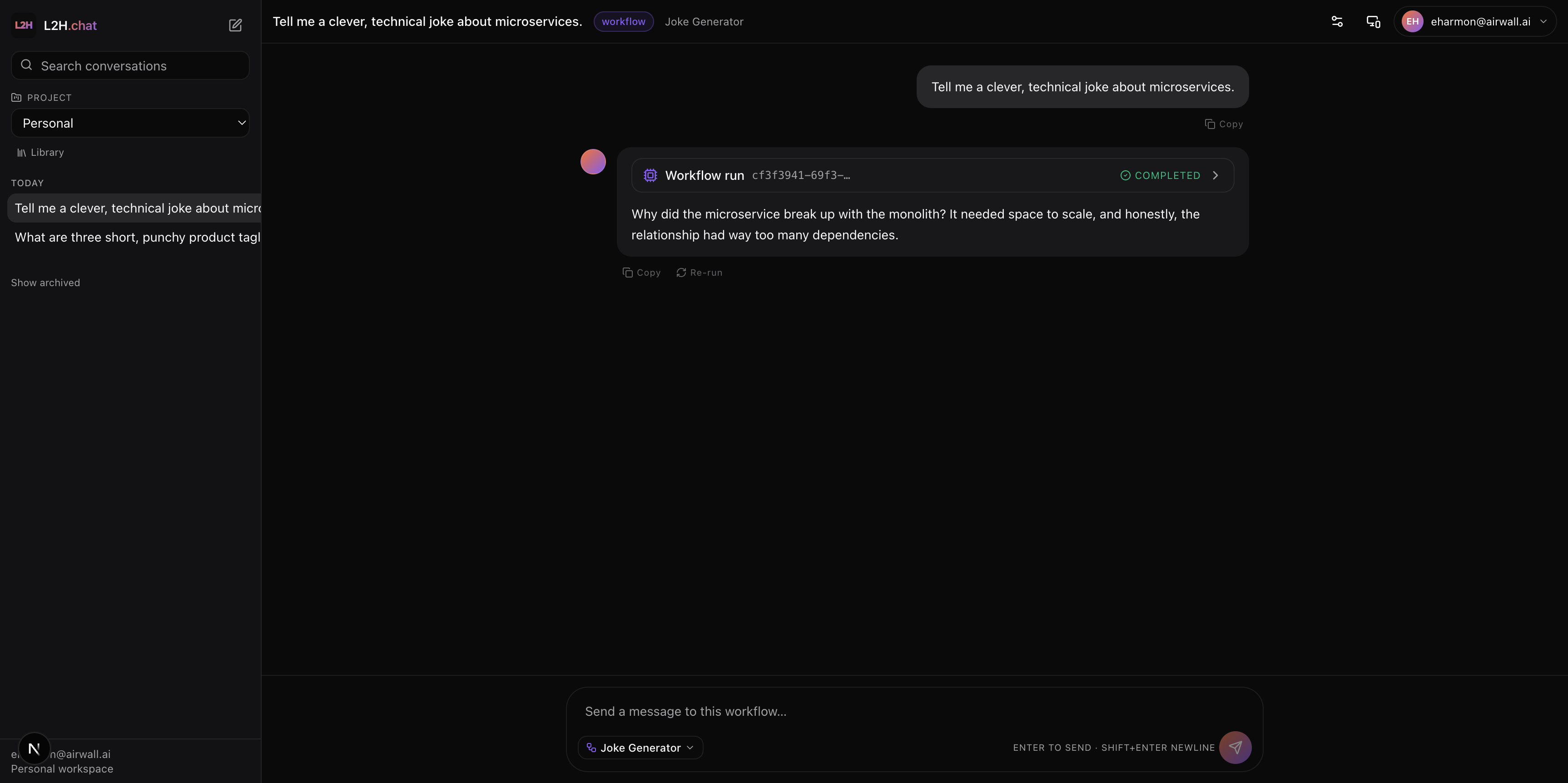
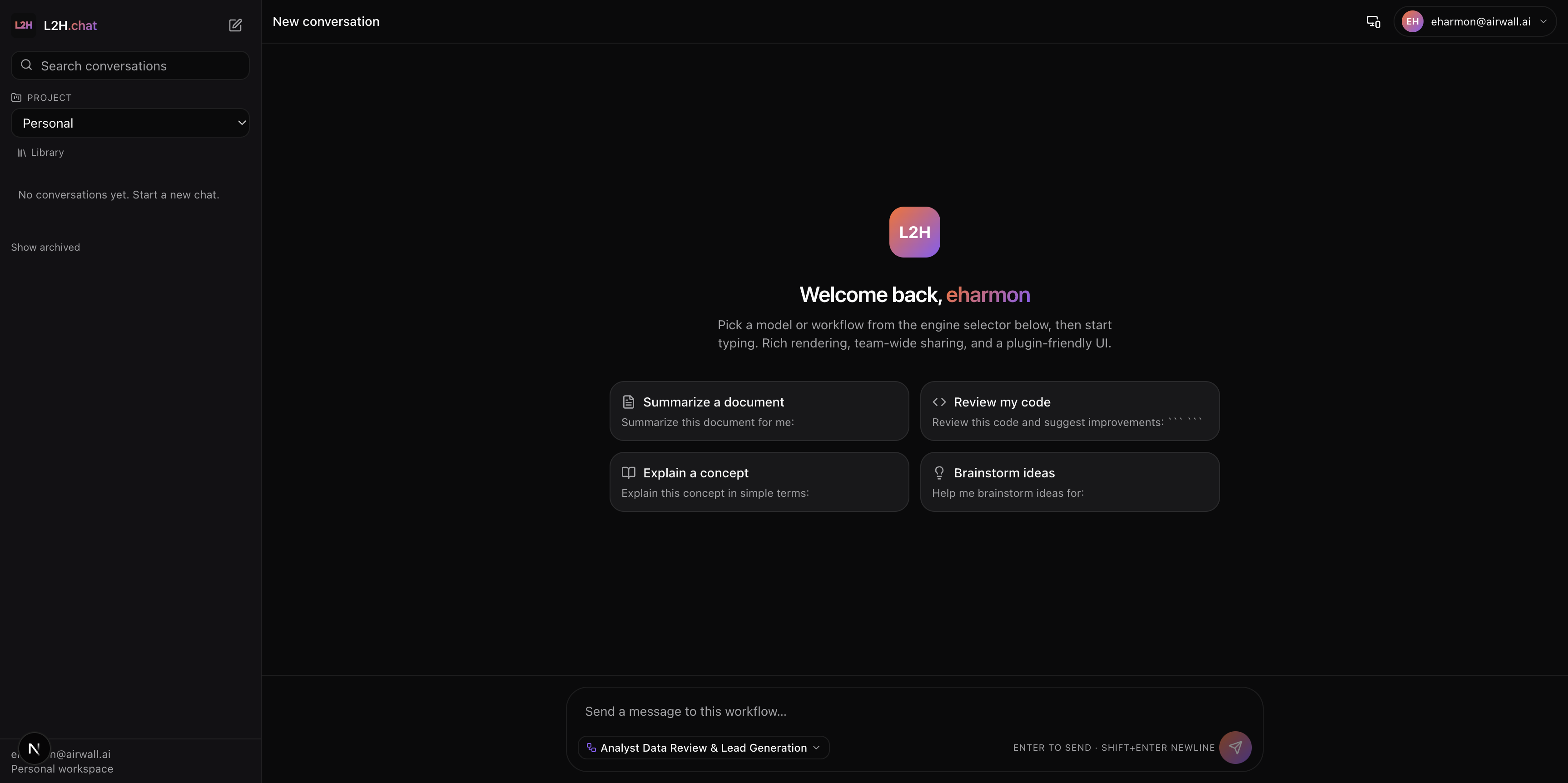
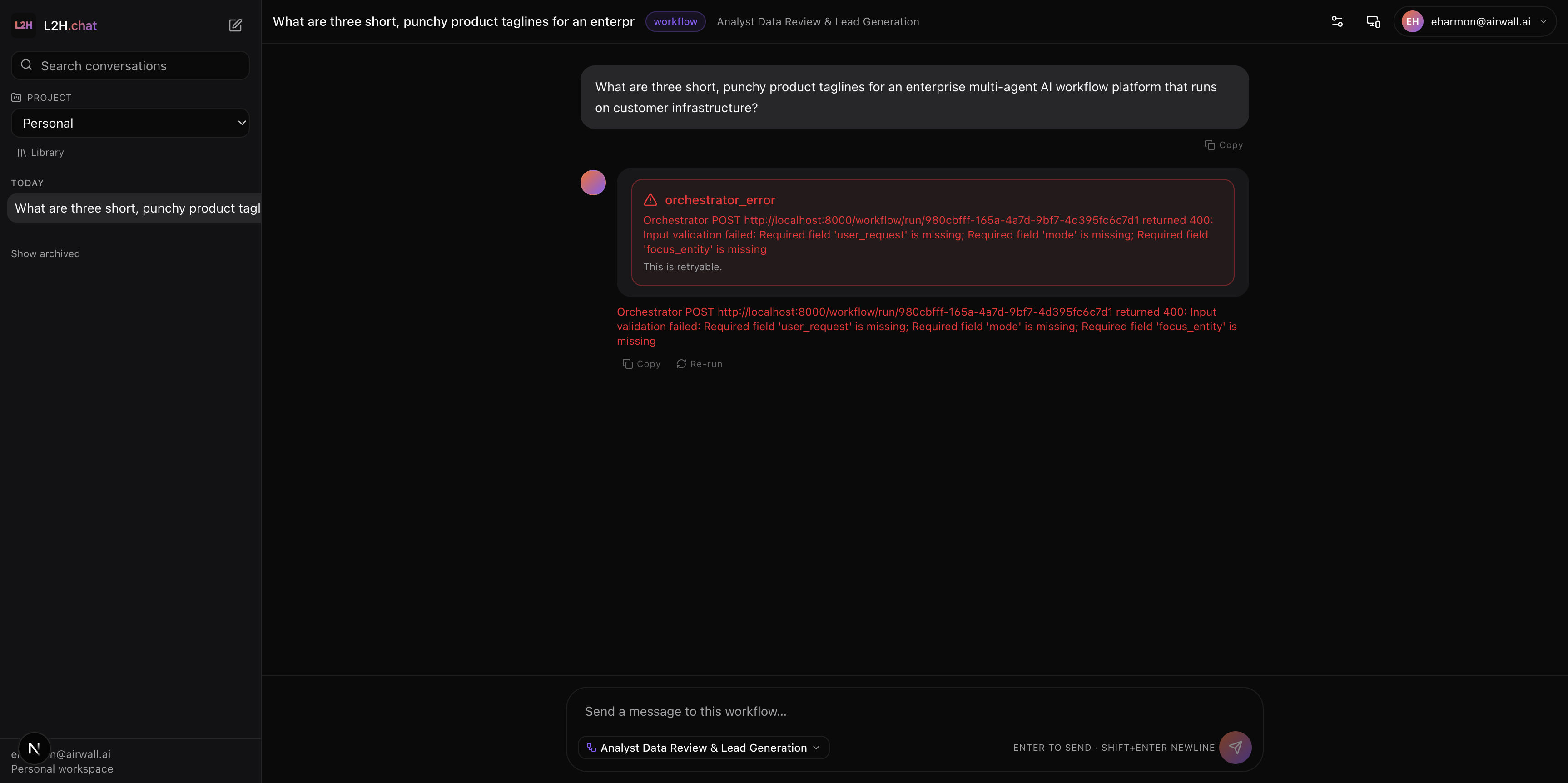
A polished welcome flow, a streaming workflow run that collapses to a final assistant block, and an explicit error block when an upstream call fails — every state is a typed Content Block.
What you get out of the box
Polished, pluggable, multi-tenant.
Polished chat UI
Token streaming, syntax-highlighted code, KaTeX math, pluggable rendering for everything else. Polished against any LLM out of the box.
Agentic chat against Orchestrator workflows
Schema-driven inputs (auto-rendered forms based on input-schema), live workflow run activity, rich structured output, and a final assistant message of typed Content Blocks.
Team collaboration
Shared conversations inside projects (visibility=project), shared media library (videos, audio, files, PDFs), per-project settings and entitlements.
Extensible rendering
Every assistant message is a list of typed Content Blocks. The frontend has a pluggable renderer registry, and customer plugins ship as remote ES modules registered by the platform admin.
Enterprise ops
Multi-tenant RBAC (org → team → project → roles), pluggable identity (OIDC / SAML / LDAP / local / PKI), curated catalogs of LLMs / orchestrators / workflows / renderers.
Storage portability
S3, Azure Blob, GCS, MinIO, local FS — switchable by configuration. Tenant-prefixed paths. Presigned URLs expire ≤ 1 hour.
Built-in Content Block types
16 block types, 1 plugin contract.
Every block is a {type, id, version, data, meta} object. Streaming uses delta operators (text_append, rows_append, merge, replace) over SSE. Unknown block types fall back to a json renderer with a banner — plugin failures never crash the thread.
Renderer plugin contract
A renderer plugin is a single ES module that default-exports a React component. The platform admin registers it with:
- A unique block type identifier
- A component URL and integrity hash
- An optional schema to validate block data
- A permission scope
- Trusted origin allowances
The component is loaded on first use, runs inside a React error boundary, and is given a scoped host SDK plus tenant context. For locked-down clusters, plugins can be sandboxed in iframes with the same SDK.
Storage adapters
One interface, four drivers — switch by configuration:
Path layout is tenant-prefixed (org/<id>/project/<id>/...) so per-tenant bucket policies are trivial.
Enterprise authentication
- Web:Configurable OIDC provider (Auth0, Azure AD, Okta, Keycloak, Google).
- API:Standards-based token authentication.
- M2M:Hashed, scoped API keys.
- SSO across products:Same identity tenant as Orchestrator → SSO “just works” for users who use both.
- Provider scaffolding:SAML 2.0, LDAP/AD, local accounts, PKI/mTLS.
Streaming chat
Server-sent events stream incremental tokens, structured Content Blocks, and live workflow run updates. The user sees a live activity panel that collapses to the final assistant message on completion.
Each block streams independently, so even slow steps render progressively rather than blocking the thread.
Technical specifications
- API surface
- REST with token-based auth and hashed API keys
- Auth providers
- Auth0, Azure AD, Okta, Keycloak, Google + SAML/LDAP/PKI scaffolding
- Streaming
- Server-sent events for incremental chat output
- Authorization
- Platform → org → team → project, with multiple role tiers
- Storage drivers
- s3, azure, gcs, local (configurable)
- Database
- Managed relational store, isolated schema
- Cache / Pub-Sub
- In-memory store with isolated logical workloads
- Deployment
- Isolated namespace; shares infrastructure with Orchestrator
Chat with any LLM. Or any workflow.
See Chat live — streaming workflow runs, Content Block rendering, and shared project conversations across teams.
The rest of the stack